
Step-by-step learning centre
Set up MorphyMail with focused video tutorials
Find the exact walkthrough you need—from SMTP configuration and list cleaning to composing messages, tracking campaigns, and using WhatsApp CRM.
Provider screens and policies change; use each tutorial with the provider’s current official documentation.
Task-basedFind the right tutorial
SMTP guidesAmazon, Gmail, SendGrid
Campaign skillsCompose, clean, track
Free downloadFollow along in Windows
Video library
Choose the task you want to complete
Start with installation and SMTP setup, then move to list cleaning, composing, sending, and reporting.
Amazon SES setup for MorphyMail Cloud
Website mailbox SMTP setup

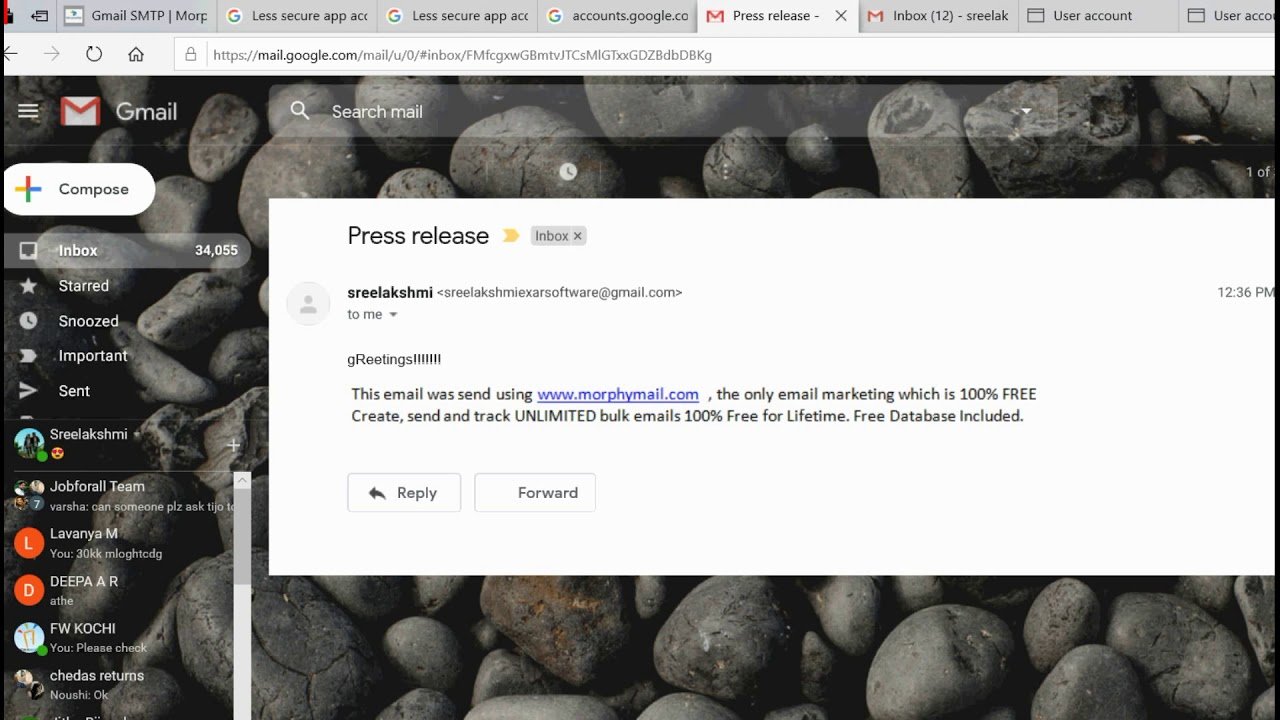
Multiple Gmail accounts in MorphyMail Desktop
Remove invalid emails with the built-in verifier
Track opens, clicks, and recipient locations
Use Morphy Unlimited SMTP settings
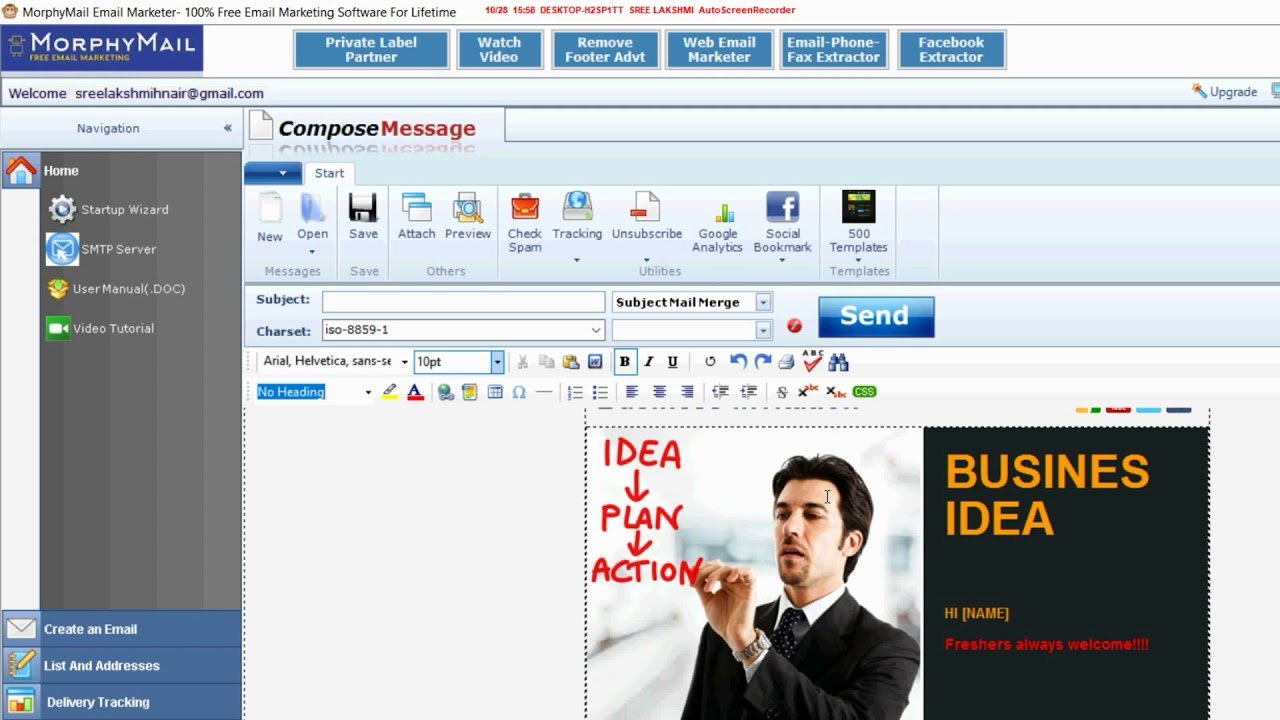
Compose an email in MorphyMail Desktop
Set up SendGrid SMTP
WhatsApp CRM tutorial series
New to MorphyMail?
- Download and install the Windows version.
- Choose an SMTP provider suitable for your use case.
- Authenticate your sending domain where supported.
- Send a small test to expected recipients.
- Review errors and engagement before increasing volume.
Already sending?
Use the focused tutorials to troubleshoot setup or learn a specific feature. Provider interfaces and policies can change, so verify current requirements with the provider.
- Never share master account passwords
- Use provider-specific SMTP credentials
- Stay within documented quotas
- Do not assume any inbox guarantee
Learn faster by following along
Install the free Windows version, open the tutorial for your next task, and test with a small permission-based list.